
Speaker timer
The speaker sees large digits on the confidence monitor, and the colour shows how much time is left. You control it from the computer, a phone or a Stream Deck.
- Free version with no time limit
- 14 days of PRO, no credit card
- Windows and macOS
A clear clock the speaker won’t miss
On a second monitor, in a browser and on a phone.
A large clock on a second monitor
The clock window on the speaker’s monitor: your own font and colours, phase colours (e.g. green, yellow, red) and blinking when time is up.
Messages for the speaker
A short text on the speaker’s screen, e.g. “2 minutes left” or “Time for questions” — send ready-made messages with one click.
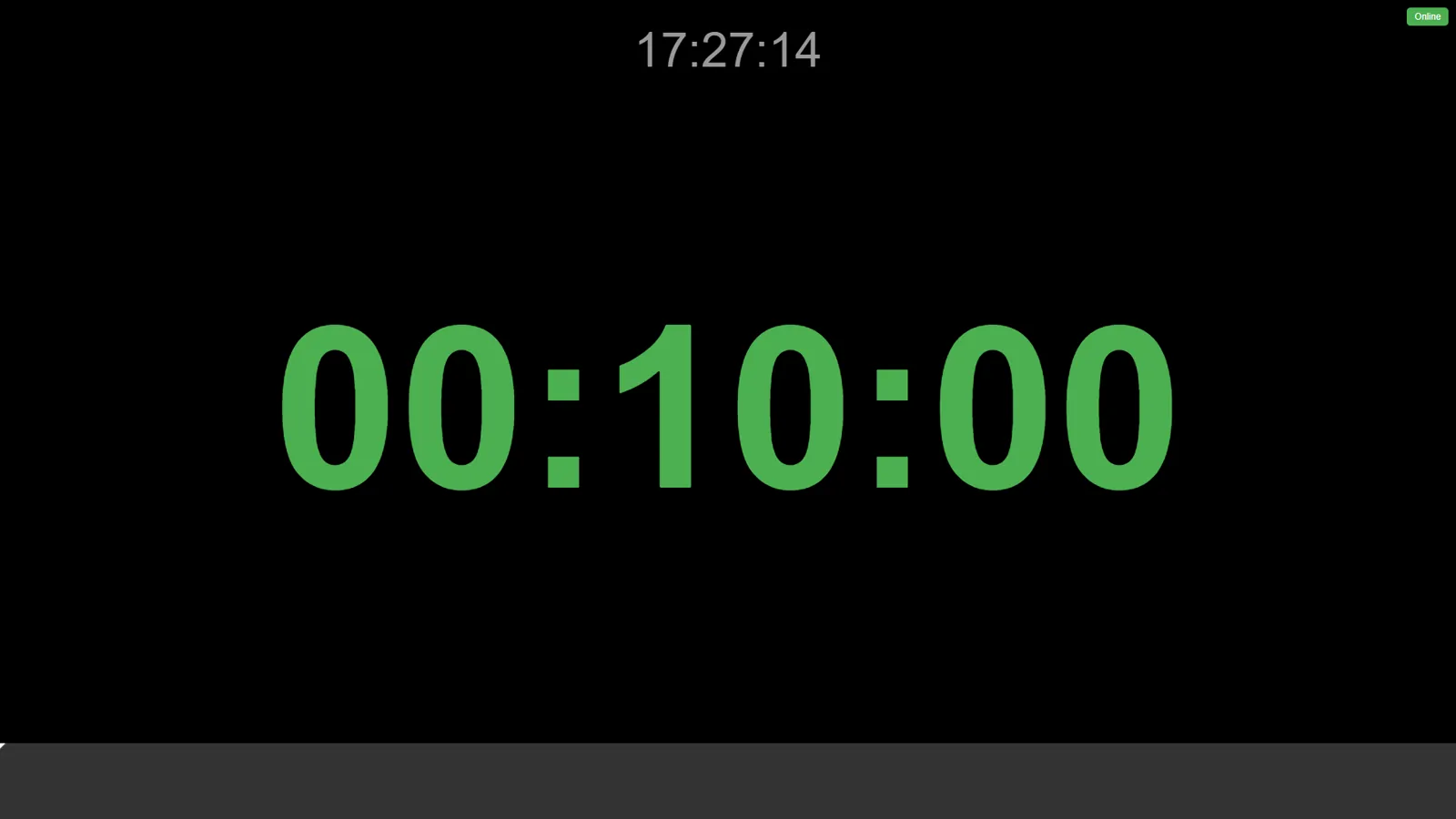
The clock in a browser and on a phone
The same clock on any device in the network: a tablet on the lectern, the operator’s phone, a screen in the control room.
Why TimerPRO on stage
- Clock on a second monitor in the free version, with no time limit
- Stream Deck and Bitfocus Companion — control without touching the computer
- Alpha channel and NDI — the same clock in your stream (vMix, OBS)
- Runs locally, also offline
Frequently asked questions
Is the speaker timer in the free version?
Yes. The clock on a second monitor, the look of digits and colours, and the clock preview in a browser are in the free version. Messages for the speaker and full control from a browser are in PRO.
How do I connect the speaker’s monitor?
Connect a second monitor or TV to the computer and choose it for the clock window in TimerPRO — the program remembers your choice.
Can the speaker have the clock on a tablet?
Yes. Open the clock address from the “Remote Access” tab on a tablet or phone in the same network.
What does the speaker see when time is up?
The clock keeps counting the overtime, changes colour and can blink — you set this in “Clock appearance”.
Does TimerPRO work on macOS?
Yes. TimerPRO works on Windows 10 and 11 and on macOS.
Give the speaker a clock that can be seen from the stage
The free version has no time limit. Try the PRO features for 14 days — you start them in the program, no card needed.