System Requirements
Before starting the installation, make sure your computer meets the minimum requirements:
Operating system: Windows 10 or newer
RAM: 4 GB or more
Disk space: 300 MB of free space
Internet connection: required for license activation
Step 1: Downloading the installer
Go to the Timer Pro download page and click the "Download for Windows" button.
The installer file will be saved in the Downloads folder.
Step 2: Running the installer
Find the downloaded file TimerPRO_Setup_1.3.1.exe and double-click it.
If the system shows a security warning, click "Run anyway".
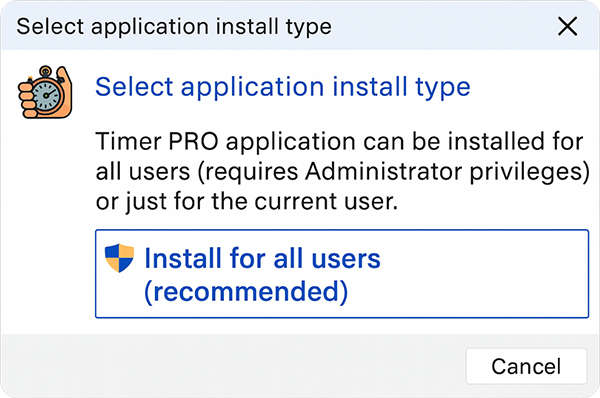
Step 3: Installation process
-
Choose the installation language (Polski or English)
-
Accept the license agreement
-
Choose the installation folder (default is recommended)
-
Click "Install" and wait for the process to finish
Step 4: First launch
After the installation is complete:
-
Launch Timer Pro from the Start menu or desktop icon
-
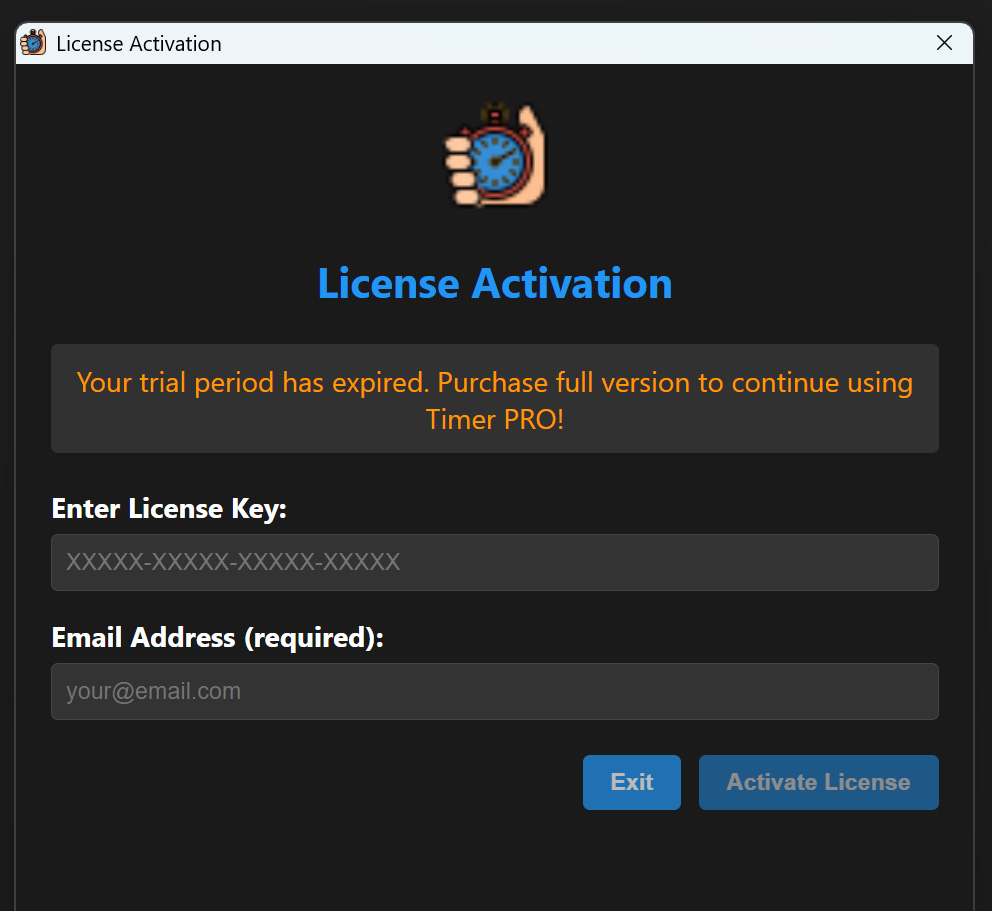
Enter your license key (if you have one)
-
Configure the basic display settings
Troubleshooting
If you encounter problems during installation:
-
Permission error: Run the installer as administrator
-
Antivirus blocks the app: Add Timer Pro to the exceptions list
-
No disk space: Free up space on the system drive
Need help? Contact us at: staszek@as-media.com.pl