Timer Pro License Activation Instructions
After purchasing Timer Pro license, you will receive an activation key at the email address provided during purchase. Below you will find detailed activation instructions.
Step 1: Receiving License Key
After successful payment, you will automatically receive an email with the following information:
- License key in format: XXXXX-XXXXX-XXXXX-XXXXX
- Email address used during purchase
- Activation instructions
- Download link for the latest version
Step 2: Running Timer Pro
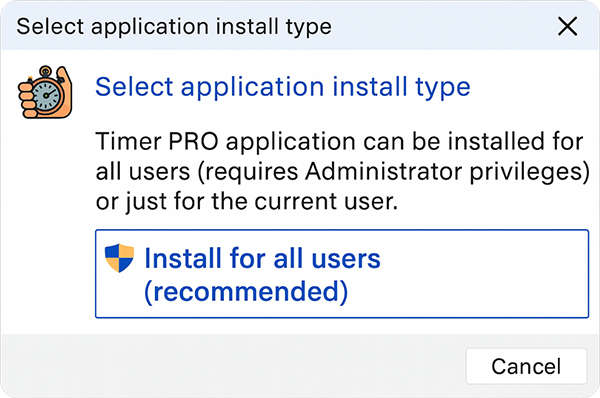
Launch Timer Pro. If you do not have the program installed yet:
- Download the latest version from download page
- Install the program following installer instructions
- Run Timer Pro from desktop or Start menu
Step 3: License Activation
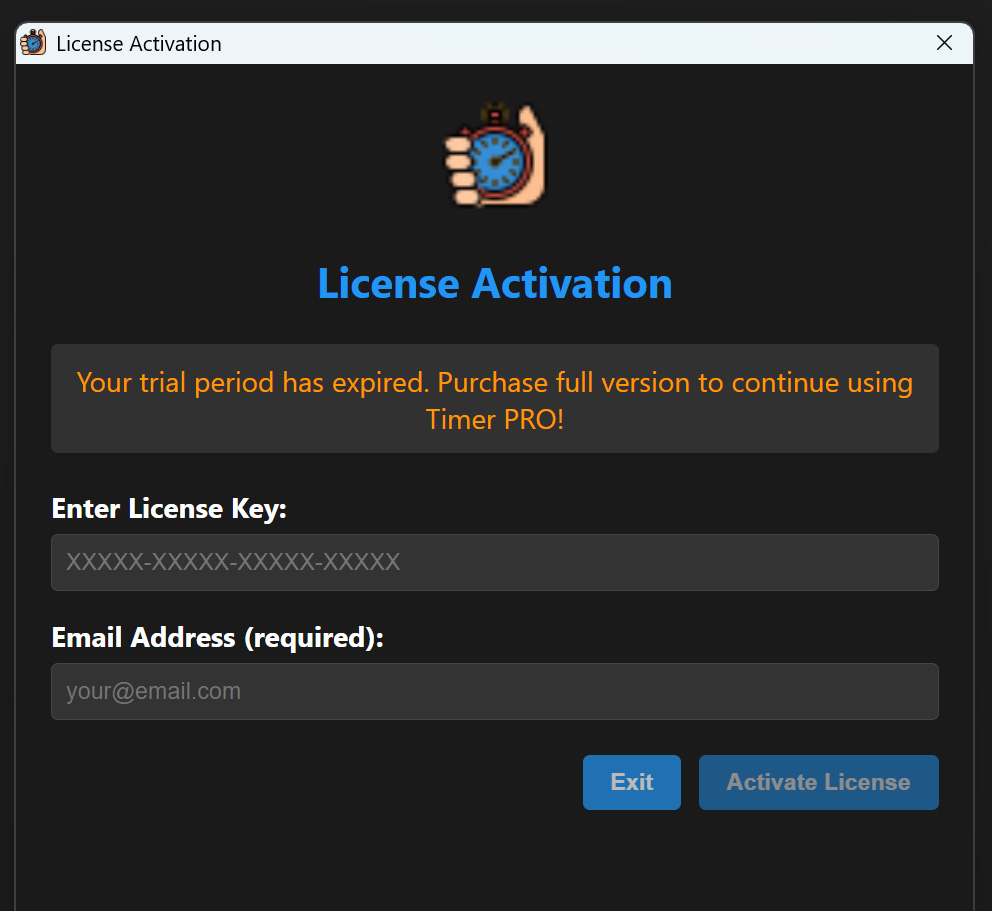
On first run, "Trial Options" window will appear. To activate license:
- Click "Enter license key" button
- In "License key" field enter received key in format XXXXX-XXXXX-XXXXX-XXXXX
- In "Email" field enter email address used during purchase
- Click "Activate license"
- Wait for online verification (internet connection required)
Step 4: Activation Confirmation
After successful activation:
- Success message will be displayed
- Program will switch to normal operation mode
- License details will be visible in "License" tab (L key)
- Program will work without time limitations
Troubleshooting
Error "Invalid license key"
- Check key: Make sure key is entered without spaces and extra characters
- Check email: Email must be identical to one used during purchase
- Check connection: Activation requires internet access
Error "Cannot connect to server"
- Check internet connection
- Temporarily disable firewall/antivirus
- Try again in a few minutes
License expires after restart
- Check if system date is correct
- Make sure program has file write access
- Contact support if problem persists
Offline Features
After activation, Timer Pro can work offline for 14 days. After this time, online verification is required.
License Transfer
Timer Pro license is bound to specific computer. In case of hardware change, contact support: staszek@as-media.com.pl
Technical Support
In case of activation problems, contact our team:
- Email: staszek@as-media.com.pl
- Phone: Include your license key and problem description in message
- Response time: Up to 24 hours on business days