How to manage lecture list in Timer Pro
Timer Pro offers advanced lecture management system, enabling creation, editing and organization of event programs with predefined times.
Creating new lecture
- Launch Timer Pro
- Go to "Lectures" tab (F3)
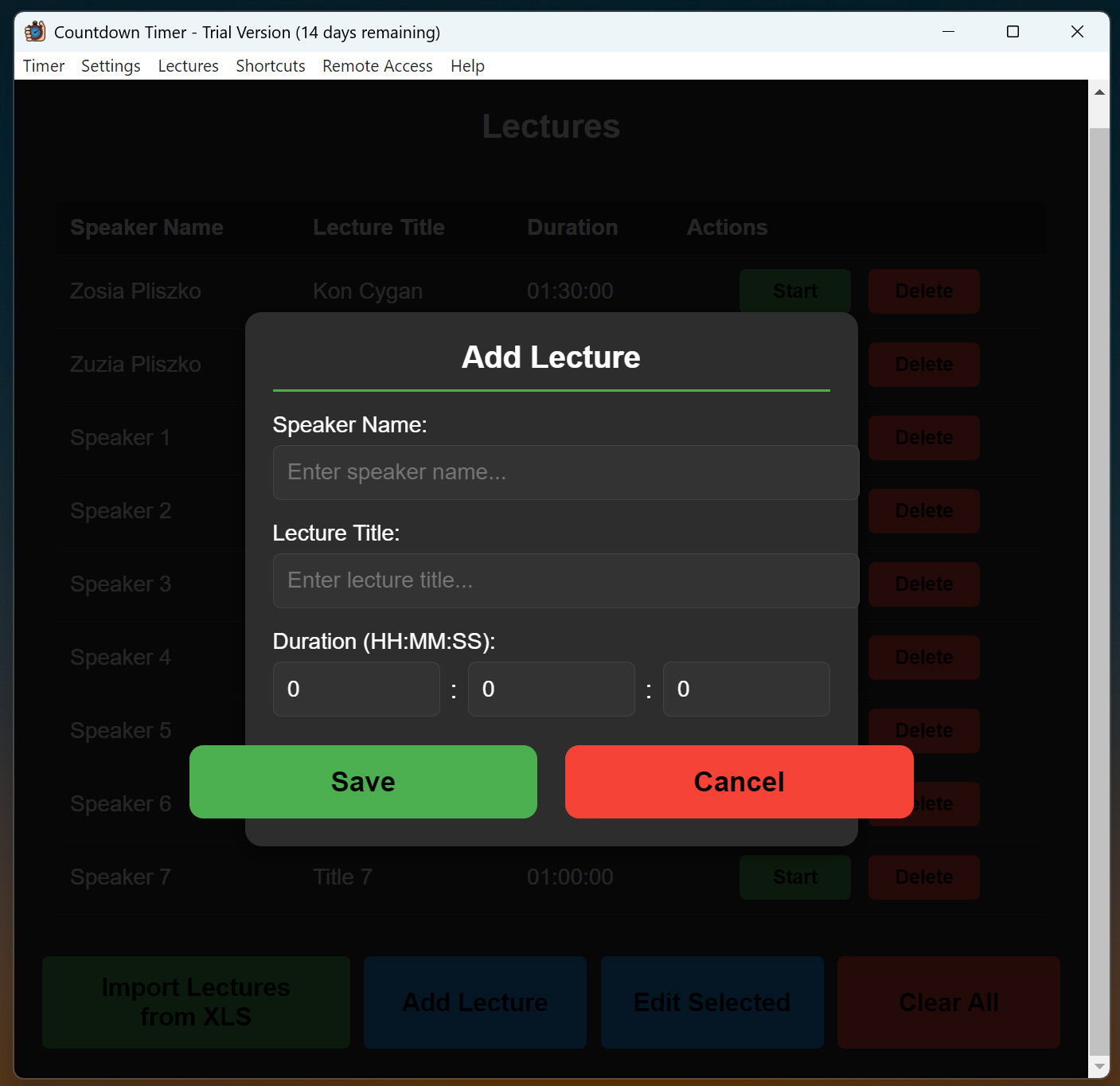
- Click "New lecture" button
- Fill the form:
- Lecture name: Enter presentation title
- Duration: Set time in minutes
- Description: Optional description or notes
- Click "Save"
Editing existing lectures
- In lecture list select lecture to edit
- Click "Edit" or press F4
- Make changes in the form
- Click "Save changes"
Starting lecture
- Select lecture from list
- Click "Start" or press Enter
- Timer will automatically set to lecture time
- Begin countdown with Start button
Import and export
Export lecture list
- In "Lectures" tab click "Export"
- Choose file location
- File will be saved in CSV format
Import lecture list
- Click "Import"
- Select CSV file with lectures
- Confirm import
Technical Support
In case of lecture management problems:
- Email: staszek@as-media.com.pl